How I Deployed CoreDNS in My Home Lab Using Podman, Ansible, and systemd
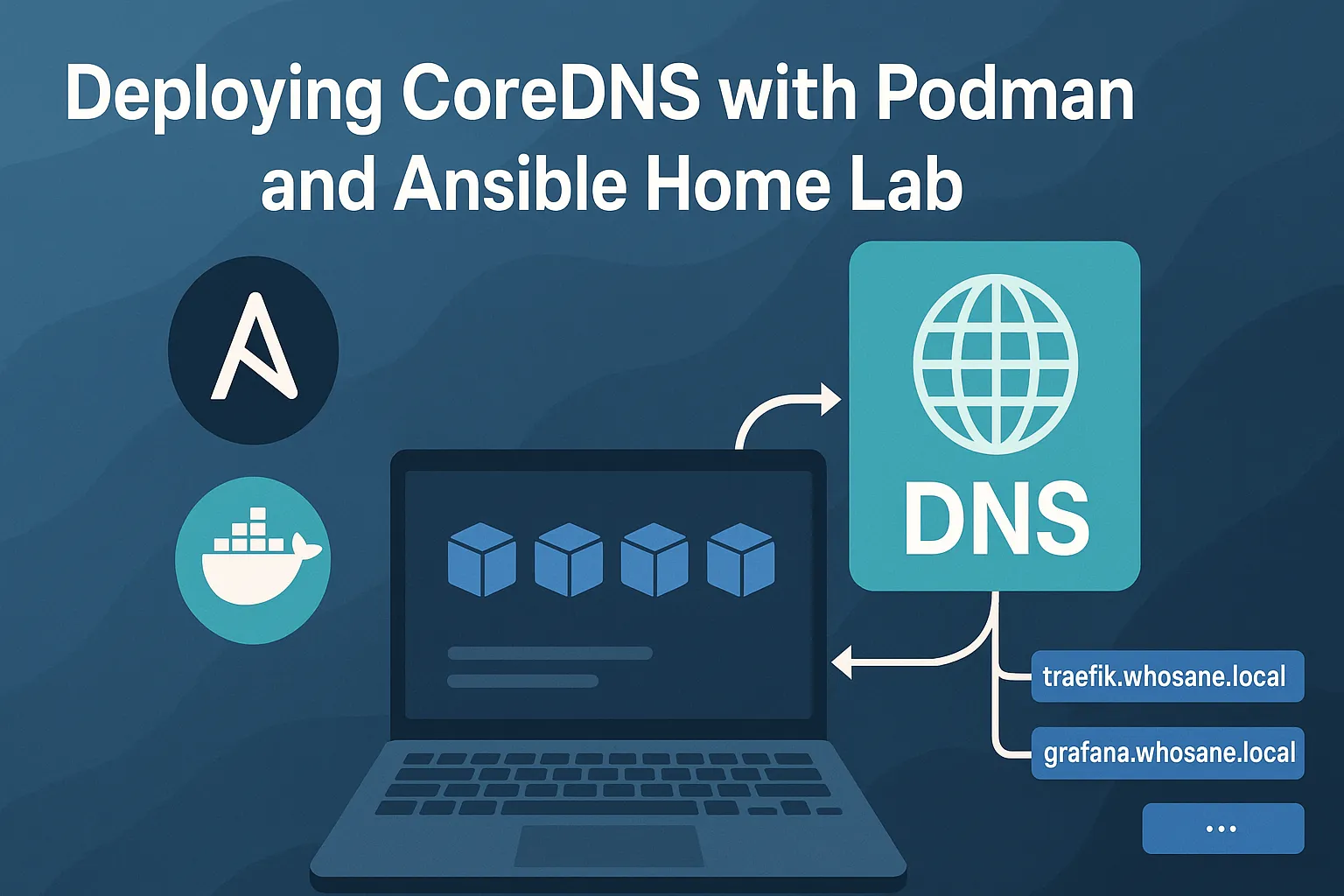
Setting up a proper internal DNS had been on my to-do list for a long time, but I always assumed it would be heavier than it was worth—probably a full VM, lots of manual config, and something I’d be scared to touch once it was “working.” Eventually I decided to try a lighter, more modern approach using Podman and Ansible, and it completely changed how I think about home lab services. CoreDNS turned out to be a perfect fit: small, fast, easy to configure, and ideal for handling a custom internal domain like whosane.local without burning through CPU and RAM on my laptop.
I started by creating a small Ansible project with a simple layout: an inventory, a CoreDNS config (Corefile), a hosts file for local records, and a playbook to glue everything together. The folder looked like this:
infra/
  coredns/
    files/
      Corefile
      hosts
    coredns.yml
    inventory.ini
My Corefile defines a basic forwarding resolver plus an internal zone:
. {
    forward . 1.1.1.1
    cache 30
}

whosane.local {
    file /etc/coredns/hosts
    reload
}
The Ansible playbook handles both configuration and the Podman container. First it copies the CoreDNS files to the host, then it runs CoreDNS as a Podman container:
- hosts: homelab
  gather_facts: false
  become: true

  tasks:
    - name: Copy CoreDNS config
      copy:
        src: files/
        dest: /opt/coredns/

    - name: Run CoreDNS container
      containers.podman.podman_container:
        name: coredns
        image: coredns/coredns:latest
        state: started
        restart_policy: always
        ports:
          - "53:53/tcp"
          - "53:53/udp"
        volumes:
          - "/opt/coredns:/etc/coredns:Z"
        command: ["-conf", "/etc/coredns/Corefile"]
One thing I really wanted was for the DNS service to survive reboots and behave like a “real” system service. Instead of manually writing unit files, I used Ansible’s Podman integration to generate a systemd unit for the container and enable it automatically:
    - name: Generate systemd unit for CoreDNS
      containers.podman.podman_generate_systemd:
        name: coredns
        dest: /etc/systemd/system

    - name: Enable and start CoreDNS systemd service
      systemd:
        name: container-coredns.service
        enabled: yes
        state: started
After running the playbook, CoreDNS comes up as a container, is managed by systemd, and persists across reboots without me having to think about it. Adding new internal services is as simple as editing the hosts file and rerunning the playbook. For a home lab, this combination of Podman, Ansible, CoreDNS, and systemd feels surprisingly close to how modern production infrastructure is built—but compact enough to live happily on a single laptop.